Make it yours.
Create your employer account, add your locations and list the positions you’re hiring for. Upload your logo if you have one.
- One hiring page for your business
- Positions and locations you can update
- A mobile-friendly application

How ShiftUp works
Give people a simple way to apply. Hear more with optional AI phone screening. Review everything in one place—and choose who you want to meet.
30-day demo · No credit card required · 5 phone screens included
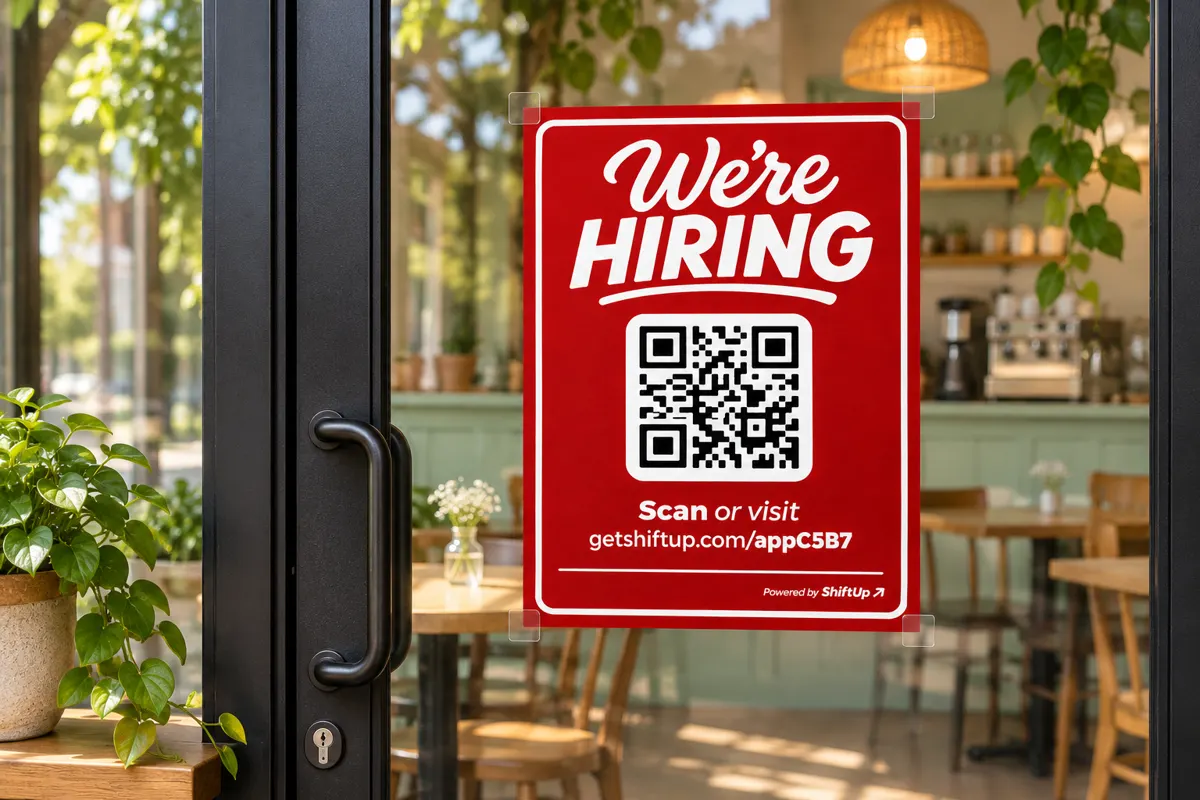
Give them a reason to stop, scan and apply.
Set up once. Keep hiring.
Your business gets its own branded hiring page, a shareable link and a dashboard that keeps the details together.
Create your employer account, add your locations and list the positions you’re hiring for. Upload your logo if you have one.
Copy your hiring link or print a ready-to-use QR sign. Put it where future applicants already find your business.
Applicants complete your form on their phone. Add automated phone screening when you want to hear a little more.
An application with a voice
With AI Phone Screening enabled, applicants are invited to complete a short recorded conversation after applying. Start with the standard questions and add up to two of your own.
Use your microphone to test your saved questions from the setup page.
Read the summary and transcript, or listen to the recording when available.
Screening adds context. The hiring manager decides who to contact and hire.
Team Member · Downtown
Call applicant · Email applicant
Jordan described an interest in customer-facing work and gave an example of resolving a misunderstanding. They said they would ask their manager for guidance when needed.
Summary · Transcript · Recording
Fictional applicant shown for illustration.
Make every entrance an opportunity
A simple sign turns interest into an application. People scan, choose their location and position, and apply from their own phone.
Restaurants, cafés and shops can put a hiring sign by the entrance or pickup counter. Regular customers may know your next great team member.
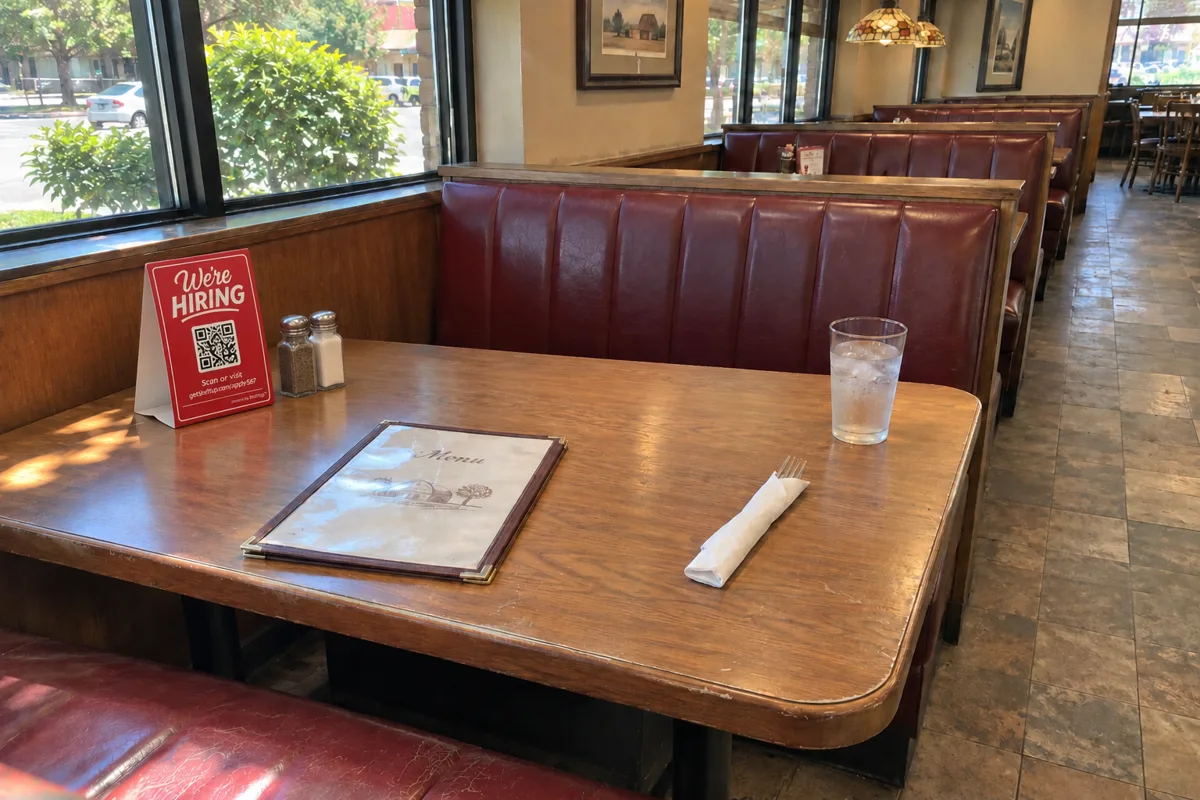
A small table tent keeps your hiring link in view while guests dine. Use tables, counters or waiting areas to invite people to apply.
Illustrative sign mockups. Your downloadable sign and QR code use your business’s own hiring link.
Fits the way you hire
Keep your hiring page ready, update your open positions and reshare the same link when you need more applicants.
Add your link to a social post, your website or a local job advertisement. Online and walk-in interest arrive in the same dashboard.
Invite managers and assign their locations. They review the applicants for those locations while the owner keeps the broader view.
Applicants can select the locations they’re interested in. Filter by location in your dashboard and give each manager access to the locations they look after.
A few things to know
No. Launch your job application first and add automated phone screening when you’re ready. Your dashboard works for applications with or without an interview.
When screening is enabled, ShiftUp waits about 30 minutes for an interview before sending the application-only notification. A later interview is saved in your dashboard without sending a duplicate application email.
Yes. Update your hiring details from your account. Changes apply to new applications; existing applicants keep the answers they originally submitted. Additional locations are subject to your plan allowance.
Review contact details, selected positions and locations, weekly availability and the answers on your application. Where available, phone screenings include a summary, transcript and recording. Shortlist people you’d like to revisit and use the call or email links to contact them.
No. Your hiring link opens in a web browser on their phone. They can scan your QR code or open the link wherever you share it.
Better Teams Start Here.
Build your hiring page, share your link and start getting to know your applicants.
Start your free demo ↗30 days · No credit card required